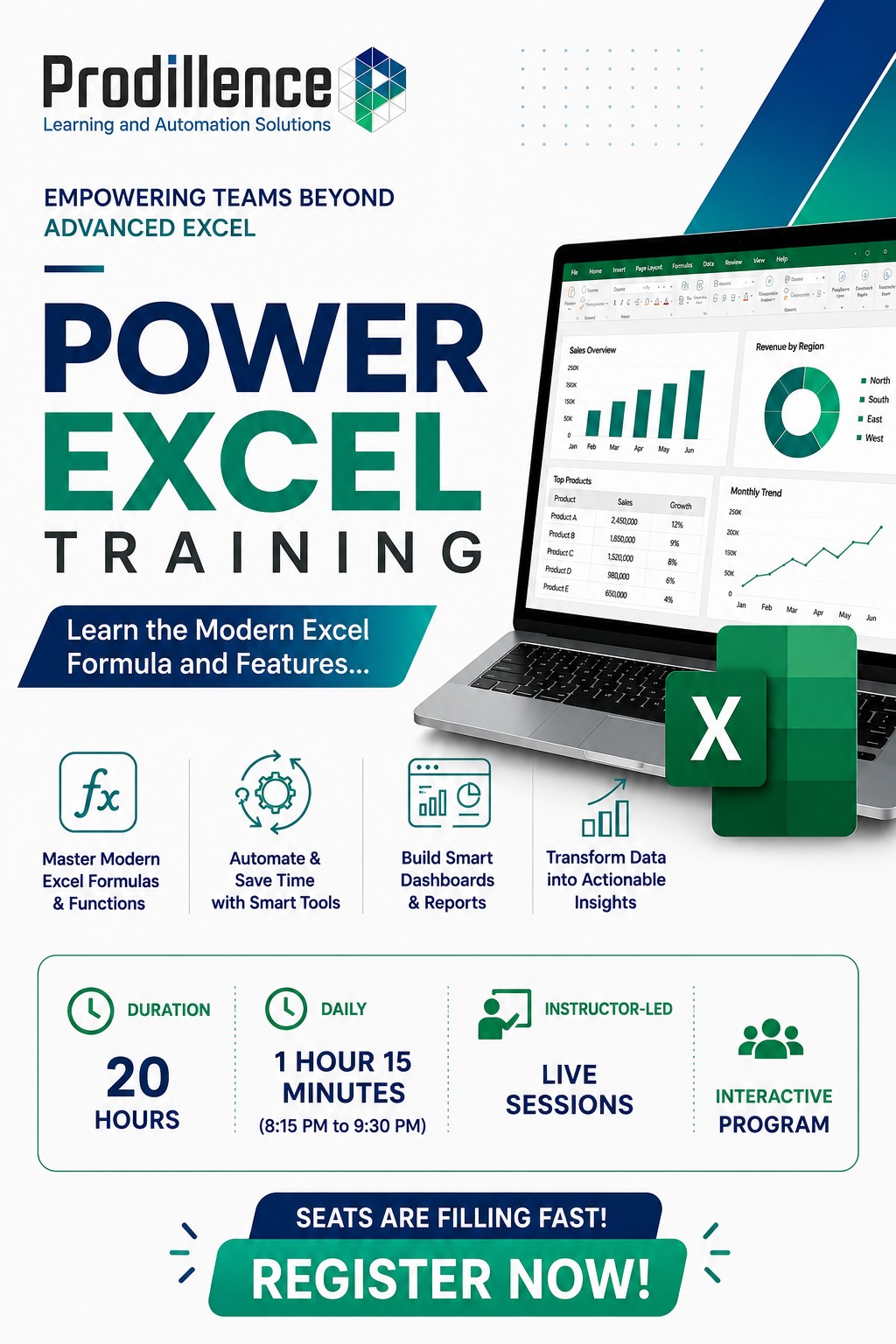
Power Excel Training | Office 365 Latest Formulas Training
Master Modern Excel with Power Excel Training
Get trained by a Microsoft Certified Trainer
Prodillence proudly announces that we are the first training organization in India to introduce the Power Excel Training Course. This cutting-edge program is tailored for corporate professionals and advanced Excel users, offering unparalleled expertise in Office 365 formulas, Power Query, and Power Pivot. Transform your data skills and automate workflows with the latest Excel features.
Unlock the Full Potential of Modern Excel with Power Excel Training
Automate, Analyze & Transform Data: Power Excel Training for Corporate Professionals in Chennai, Bangalore, Hyderabad, Mumbai, Dubai & Abu Dhabi
Our Power Excel Training is a high-impact, advanced program that goes far beyond traditional Excel learning.
This course focuses on:
- Modern Office 365 New Formulas Training
- Advanced data transformation techniques
- Automation without VBA
- Scalable Excel solutions for real business problems
A key highlight of this program is learning how to use LAMBDA to create reusable custom formulas—allowing you to standardize logic, simplify complex calculations, and build powerful Excel models without coding.
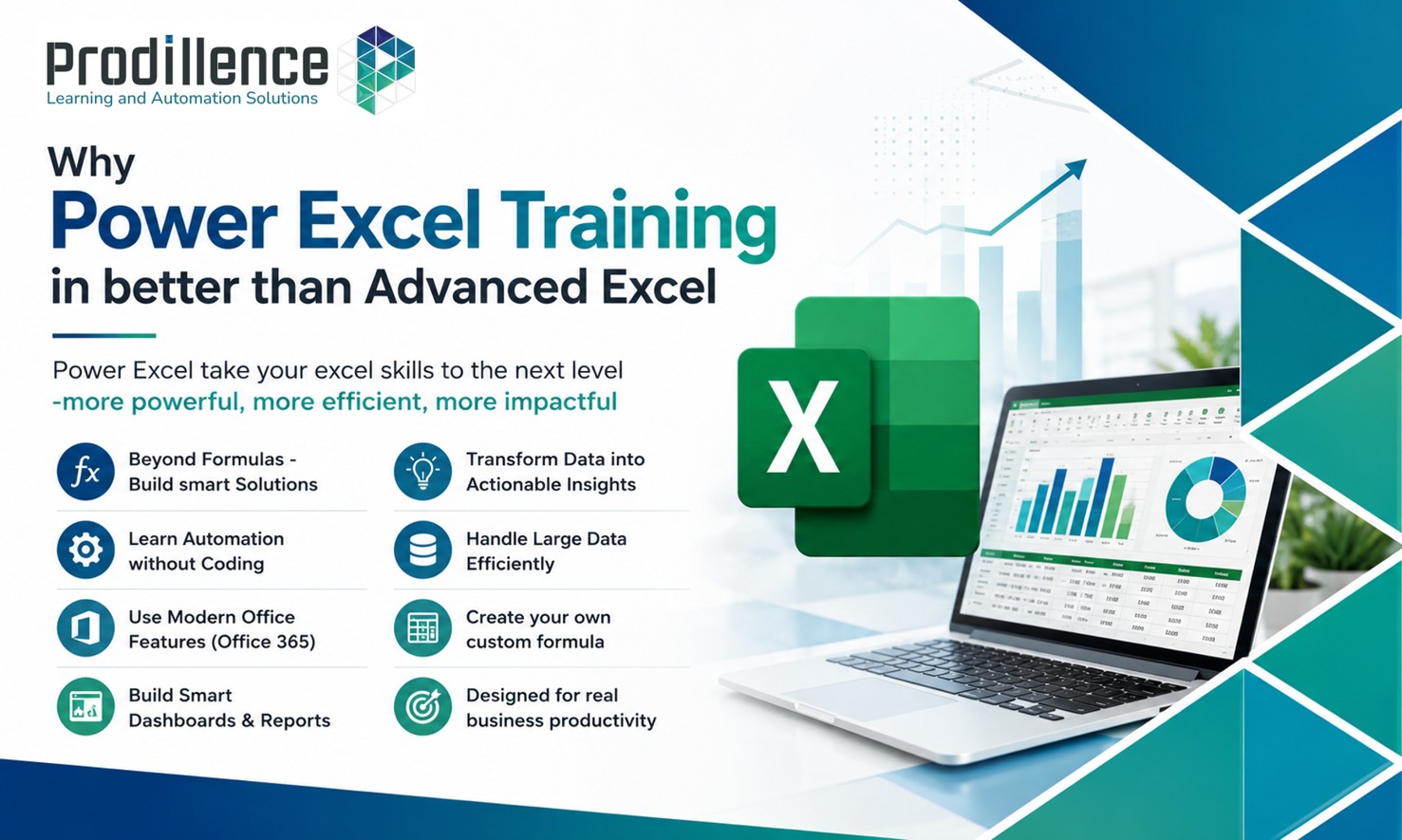
Master Office 365 Excel Latest Formulas & Automation
In this Power Excel Corporate Training, you will gain hands-on expertise in the most powerful and latest Excel functions:
- XLOOKUP for advanced lookup solutions
- FILTER, SORT, UNIQUE for dynamic reporting
- LET for optimized calculations
- LAMBDA for reusable custom functions
- REGEXTRACT for advanced text processing
- BYROW, SCAN, REDUCE for complex logic and iterative calculations
You will learn how to:
- Handle large and complex datasets efficiently
- Automate repetitive reporting tasks
- Perform row-wise and cumulative calculations
- Build intelligent and dynamic Excel models
Transform Raw Data into Business Insights
A major focus of our Office 365 New Formulas Training is data transformation and automation.
You will learn how to:
- Convert unstructured data into clean, structured formats
- Automate data cleaning and preparation
- Build analysis-ready datasets
- Improve accuracy and reduce manual errors
By the end of the training, you will be able to create:
- Automated dashboards
- Dynamic MIS reports
- High-performance Excel templates
- Scalable business models
Why Choose Prodillence for Power Excel Training?
At Prodillence, we offer a hands-on approach to Power Excel training, ensuring you gain practical skills that can be applied to your day-to-day tasks. Our experienced trainers focus on real-world examples, helping you master advanced Excel features. We provide continuous support and resources to ensure your learning journey continues after the course ends.
Who Should Attend Power Excel - Office 365 Formulas Training?
This training is specifically designed for professionals who already have a solid working knowledge of Excel and want to move into advanced, high-impact usage. It is ideal for:
-
Corporate professionals and MIS executives who work extensively with data, reports, and dashboards
-
Data analysts and business analysts looking to automate calculations and handle complex datasets efficiently
-
Finance, accounting, and operations professionals who rely on Excel for advanced reporting and decision-making
-
Excel power users and advanced Excel professionals who want to master modern Office 365 formulas and dynamic arrays
-
Reporting and automation specialists aiming to replace manual processes with reusable, LAMBDA-based custom formulas
-
Professionals handling unstructured or complex data who want to convert it into clean, structured, analysis-ready formats
Software Requirement: Microsoft Office 365
Power Excel Training Course Content (20 Modules)
Module 1: Working with Tables in Excel
-
Understanding Table Format and its advantages
-
Applying Table Formula References for simplified calculations
-
Using Slicers & Timelines for quick filtering
-
Converting Tables to Range and designing printable tables
Module 2: Power Query Basics
-
Data Transformation techniques for cleaning and organizing data
-
Splitting and Unpivoting Columns for better analysis
-
Appending & Merging data from multiple sources
-
Automating data import by combining files from a folder
Module 3: Power Pivot for Data Modeling
-
Introduction to Power Pivot and data modeling features
-
Creating relationships between tables for complex datasets
-
Understanding Data vs. Model Views for better data control
-
Basic DAX Functions for dynamic calculations
Module 4: Comprehensive XLOOKUP Techniques
-
Mastering XLOOKUP for dynamic lookups
-
Handling Approximate Matches and missing data with IF NOT FOUND
-
Utilizing wildcard matches for flexible searches
-
Real-world applications: dynamic reports and data validation
Module 5: Dynamic Arrays and Core Excel Enhancements
-
Overview of Dynamic Arrays and their spill behavior
-
Resolving spill errors and using the @ Operator
-
Working with SEQUENCE, UNIQUE, and SORT
Module 6: Text Handling and Manipulation
-
TEXTJOIN and TEXTSPLIT for advanced text processing
-
Extracting data with TEXTBEFORE and TEXTAFTER
-
Real-world examples in text processing and data cleanup
Module 7: Filtering and Sorting Data
-
Using FILTER to dynamically extract data based on criteria
-
Sorting data with SORT and SORTBY
-
Working with UNIQUE and SEQUENCE for customized data lists
Module 8: Dynamic Stacking and Reshaping Data
-
Stacking arrays with VSTACK and HSTACK
-
Flattening arrays with TOCOL and TOROW
-
Practical applications in creating dynamic reports
Module 9: Grouping and Aggregation
-
Grouping data with GROUPBY
-
Performing complex calculations with AGGREGATE
-
Summarizing sales data and calculating statistics
Module 10: Advanced Column and Row Operations
-
Selecting specific rows and columns with CHOOSECOLS and CHOOSEROWS
-
Using TAKE and DROP to control data
-
Customizing datasets for reporting
Module 11: BYROW and BYCOL Functions
-
Applying BYROW for row-wise calculations
-
Using BYCOL for column-wise operations
-
Practical examples in structured data analysis
Module 12: WRAPROWS and WRAPCOLS Functions
-
Reshaping arrays into rows with WRAPROWS
-
Organizing arrays into columns with WRAPCOLS
-
Applications in dashboards and reporting
Module 13: SCAN, MAP, and REDUCE Functions
-
Iterative calculations with SCAN
-
Applying MAP for element-wise transformations
-
Using REDUCE for cumulative aggregation
Module 14: Regex Functions for Text Analysis
-
Extracting patterns with REGEXEXTRACT
-
Testing conditions with REGEXTEST
-
Real-world applications in data validation and cleanup
Module 15: Custom Formulas and Functions
-
Creating MYLOOKUP for tailored lookup needs
-
Designing custom workflows with LAMBDA
-
Practical examples of reusable formulas
Module 16: Custom Date Functions
-
Building QTR and FY Quarter functions
-
Creating FY (Fiscal Year) calculations
-
Splitting DateTime into separate components
Module 17: Advanced Calculation Functions
-
Simplifying complex formulas with LET
-
Automating calculations with reusable LAMBDA functions
-
Workflow optimization examples
Module 18: Pivoting and Field Operations
-
Advanced pivoting with PIVOTBY
-
Extracting values from pivot tables using FIELDVALUE
Module 19: AI and Copilot Excel Features
-
Introduction to AI in Excel
-
Using Excel Copilot for enhanced productivity
-
Real-world use cases of AI-powered insights and automation
Module 20: Visualization and Historical Data
-
Inserting images using the IMAGE function
-
Retrieving historical stock data with STOCKHISTORY
-
Applications in financial modeling and dashboards
Power Excel Corporate Training Across India
We offer customized Power Excel Corporate In-house Training programs in Chennai, Bangalore, Hyderabad, Mumbai, Pune, NCR - New Delhi, Noida, Greater Noida, Gurugram (Gurgaon), Kolkata, Kochi, and PAN India.
Our corporate training includes:
- Customized course content based on business needs
- Real-time datasets and use cases
- Hands-on practical sessions
- Post-training support
Our approach ensures immediate application of learning in real work environments.
Key Benefits of Power Excel Training
- Master Office 365 New Formulas Training
- Build reusable logic using LAMBDA
- Automate reporting and reduce manual work
- Improve data accuracy and efficiency
- Handle complex business scenarios with ease
- Become a Power Excel expert in your organization
Enroll in Power Excel Training Today
Upgrade your Excel skills with industry-leading Power Excel Training and become a highly productive, data-driven professional.
👉 Contact us today for:
- Demo sessions
- Corporate training proposals
- Batch scheduling
Why Us
- Microsoft Certified Trainers
- Learn from Industry Experts
- Instructor-led Training
- Interactive Sessions
- Real-time Examples
- Hands-on Program
- Post Training Support
Upcoming Online Training